Azure OpenAI Deployment types with Terraform
Let's explore the essential topics from Azure OpenAI Service using Terraform.

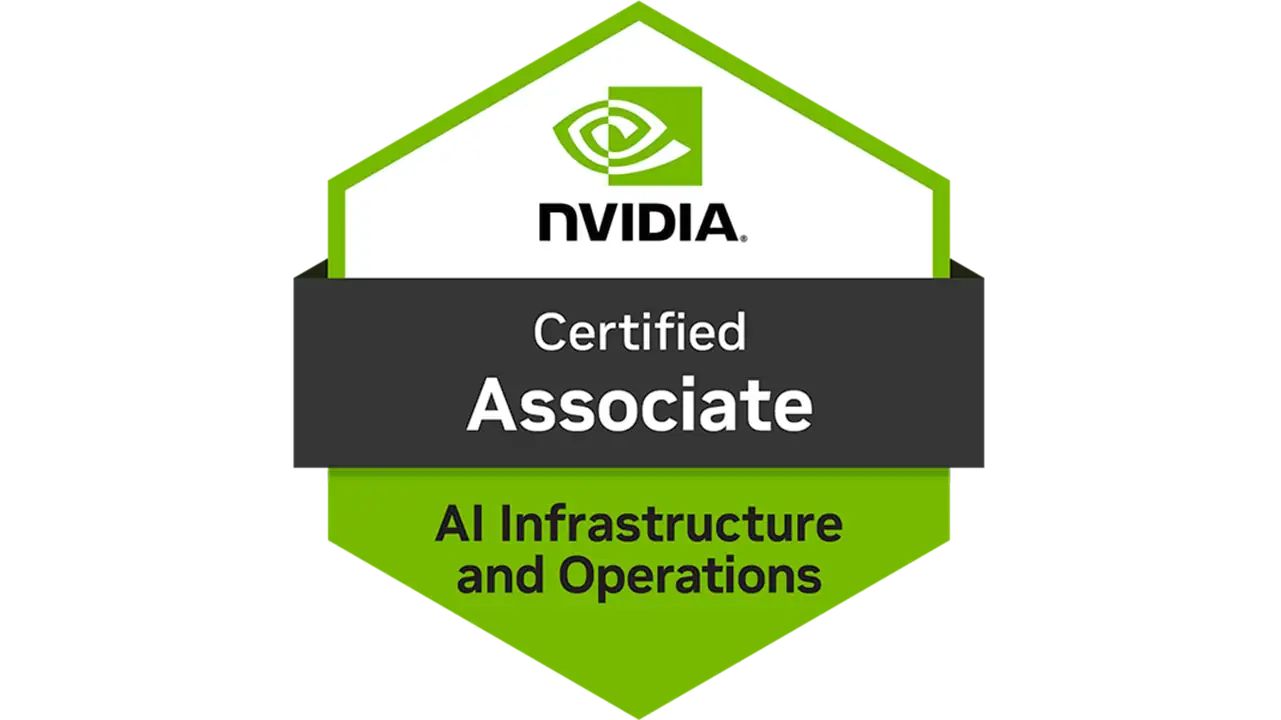
I passed the NCA-NIIO last week. And before I forget the pain of studying for it, I figured I’d write the post I wish existed when I was deciding whether to bother in the first place.
There’s a lot of “here are all the exam topics” posts out there. This isn’t one of them. This is the honest answer to the actual question: should you spend your time on this? What does it actually test, what’s useful to know, and what topics will make or break your exam. Let’s do it.

Should you spend your time on this?
The NVIDIA Certified Associate: AI Infrastructure and Operations is an associate-level certification aimed at infrastructure professionals who work with, or want to work with, NVIDIA AI hardware and software stacks. Think DGX systems, BlueField DPUs, InfiniBand networking, GPU partitioning, orchestration, inference serving, the whole ecosystem.
It’s not a “cloud clicks” certification. It’s not purely conceptual either. It sits somewhere in between: you need to understand how these components work and why you’d choose one over another. The audience is infrastructure engineers, cloud architects, and systems folks moving into AI workloads. Not data scientists, not ML researchers.
Most certifications end at “here’s what a GPU is.” This one actually goes deeper into the infrastructure layer that most engineers skip because they’re busy building on top of it without really understanding it. By the end of studying for this, you’ll have a solid mental model of:
That’s not fluffy content. That’s the kind of mental model that makes you useful in a room where AI infrastructure decisions are being made.

You already know this. Every organization is either building AI workloads or pretending they don’t need to. The engineers who understand the infrastructure layer underneath all the hype are valuable precisely because everyone else stopped at the model layer. This cert positions you in that gap, and the gap is real.
Some certifications have scope so wide you don’t know where to start or when you’re done. The NCA-NIIO is pretty focused: NVIDIA’s AI stack, from physical hardware to software orchestration. That focus makes it actually studdable without losing your mind.
Let’s be honest: associate-level certifications validate that you understand concepts and can navigate decisions, but they don’t prove you can actually deploy and operate a DGX cluster. If someone senior asks you to configure lossless InfiniBand on day one because you mentioned the cert, you’ll feel the gap immediately. It opens doors, it doesn’t replace hands-on experience.
NVIDIA’s hardware roadmap moves quickly. H100 today, Blackwell tomorrow, something else next year. Some of what you learn will still be conceptually solid in two years. Some of it will be two generations old. Plan to keep up with the ecosystem if you want the knowledge to stay relevant, the certificate is just a snapshot.

A lot of the exam material, GPU partitioning with MIG, DPU offloading behavior, InfiniBand vs RoCE tradeoffs, is easier to absorb when you’ve messed it up in a real environment first. If you’re studying purely from documentation and courses without any access to actual hardware or a sandbox, some topics will feel abstract right up until the exam. Not a dealbreaker, but be aware.
Here’s the part I wish someone had written for me. These are the topics that showed up heavily, where concepts are easy to confuse, and where surface-level understanding isn’t enough.
This isn’t just trivia. A lot of questions come back to “which component is responsible for this?” so you need a clean mental model. The CPU manages, the GPU processes (matrix math at massive parallelism), and the DPU offloads and isolates.
The DPU specifically deserves attention, its three roles (Offload, Accelerate, Isolate) and DPUDirect (storage talking directly to the DPU/GPU, bypassing the CPU entirely) tend to catch people off guard. Also know the BMC (Baseboard Management Controller): it’s the independent out-of-band management interface that keeps running even when the main node is off, critical for remote ops.
This is a classic “which one is which?” trap, and it matters.
Know when you’d use each and why the isolation model matters for production deployments.
People often treat this as “fast vs. less fast.” It’s not. The key difference is that InfiniBand is lossless by design. It uses hardware-level flow control so packets are never dropped. RoCE brings RDMA to Ethernet, but only works correctly on a lossless Ethernet fabric. If your underlying switches aren’t configured for lossless operation, RoCE performance collapses under load and you won’t always see an obvious error.
Also study NVLink and NVSwitch: intra-node GPU-to-GPU communication. NVSwitch specifically is what allows all 8 GPUs in a DGX to communicate simultaneously without bandwidth contention.
Both show up and each has a clear home.

The confusion usually shows up in “which one do I use for training vs. inference?”, Slurm for heavy batch training in HPC-style environments, Kubernetes for inference serving and cloud-native deployments. Both can handle training, but context matters.
Know what Triton Inference Server does and what frameworks it supports. It’s NVIDIA’s inference serving platform, supports PyTorch, TensorFlow, ONNX, TensorRT, and more. It’s the answer to “how do you serve models in production at scale” in the NVIDIA ecosystem. Understand batching, model repositories, and the basic deployment model.
This trips people up because it feels too “physical” for a software-era exam. Don’t ignore it. Know:
An H100 node draws kilowatts. The physical environment is a real constraint and the exam knows it.
People often ask “which technology fits where?” so here’s the short version. Make a note of it.
| Technology | Primary Purpose | Best For… | Key Advantage |
|---|---|---|---|
| InfiniBand | Networking | Multi-node Training | Lowest latency; Lossless by design |
| RoCE | Networking | Distributed Inference | RDMA over standard Ethernet |
| NVIDIA MIG | GPU Partitioning | Multi-tenant Production | Hardware-level isolation (up to 7 instances) |
| Time-Slicing | GPU Partitioning | Dev/Test Workloads | Logical sharing; No hardware isolation |
| Triton | Inference Serving | Production Model Serving | Multi-framework support |
| Slurm | Orchestration | Batch AI Training (HPC) | Optimal job scheduling for HPC |
| Kubernetes | Orchestration | Inference / Microservices | Auto-scaling and self-healing containers |
| Jetson | Edge Hardware | Edge / Robotics | Low power (5W–60W) with GPU acceleration |

Yes, if: you’re an infrastructure engineer moving into AI workloads, you want a structured way to learn the NVIDIA stack rather than just picking things up randomly, or you’re trying to make a career pivot into AI infrastructure and need a credible signal on your resume.
Maybe not, if: you’re already knee-deep in real NVIDIA infrastructure work, you’ll learn more from hands-on experience than from studying for an associate cert. Or if you’re purely on the software/ML side and have no plans to touch the infrastructure layer.
Let's explore the essential topics from Azure OpenAI Service using Terraform.